
Erupt Chart Low-Code Data Visualization
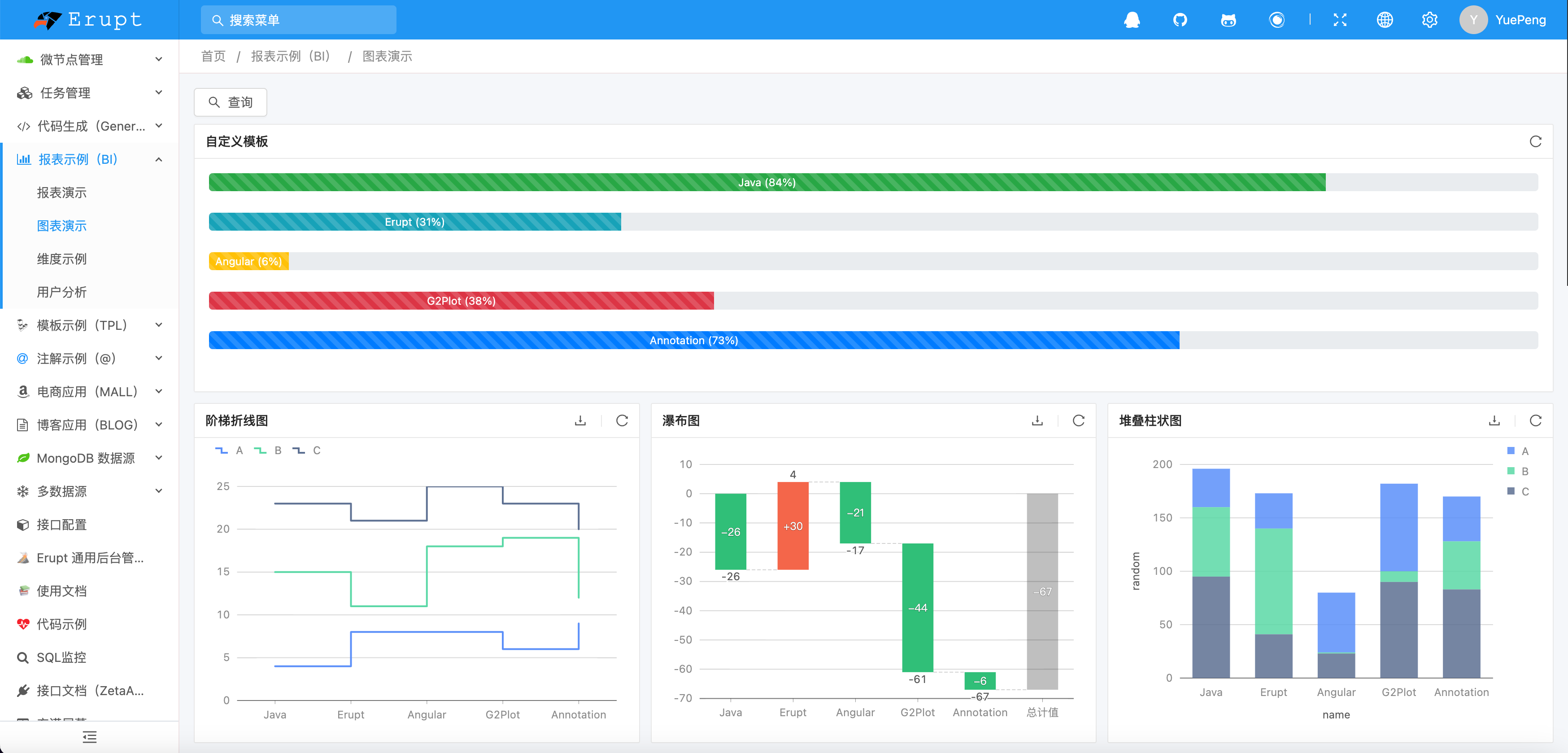
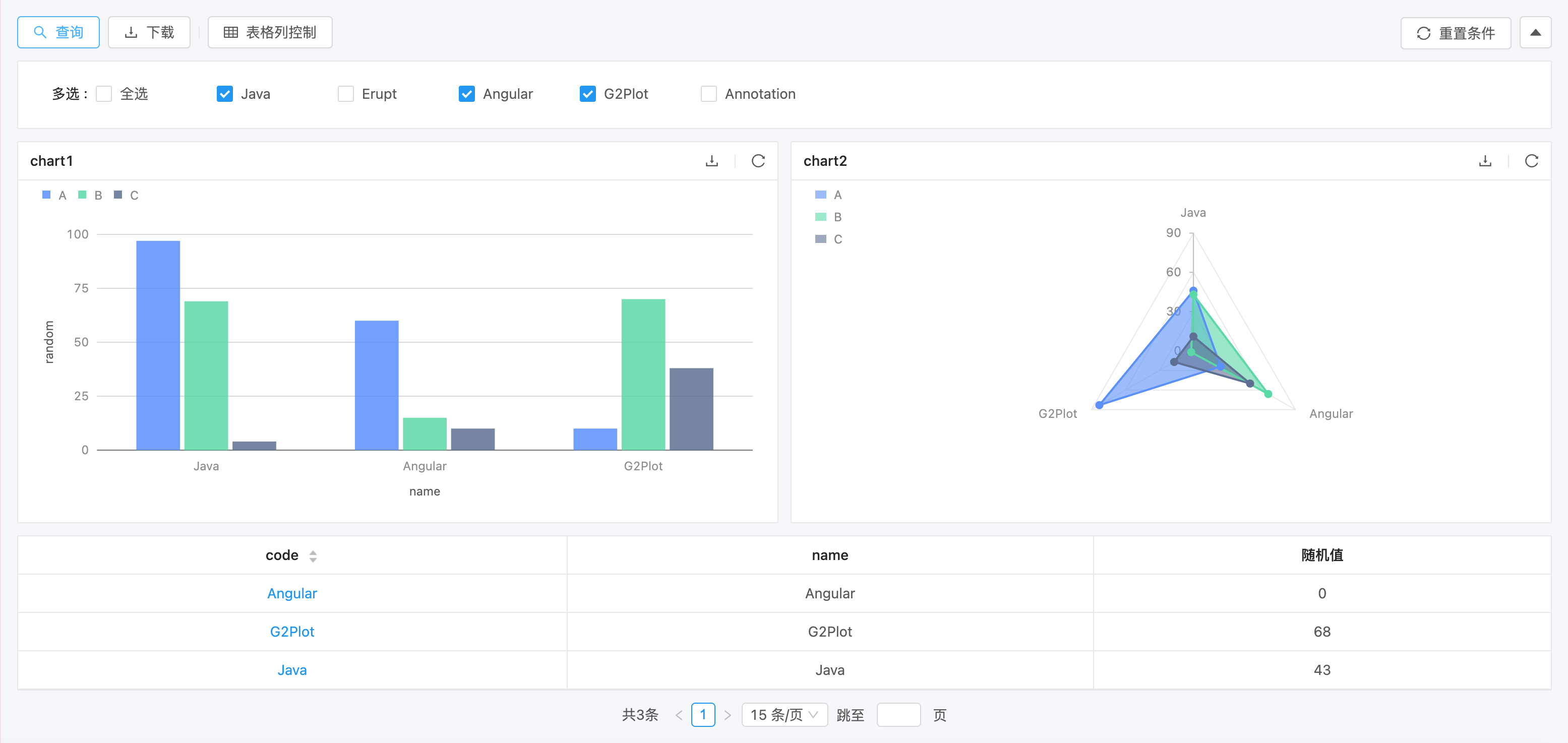
erupt-chart is the general-purpose report and chart module within the Erupt ecosystem. Zero frontend code — configuration alone is sufficient for data analysis capabilities. Supports defining reports and charts purely with SQL. Zero frontend and backend code for complex data analysis, supporting dozens of query dimensions, dozens of chart components, and dynamic functions. Ideal for teams with SQL expertise who need visualization capabilities.
Commercial Module
Includes: Full source code · All future version upgrades · Technical support · Priority Erupt-related support · Reasonable feature requests implemented for free · Continuous capability iteration License: No License restrictions · No project count limits · No commercial restrictions Limitation: Redistribution and secondary open-sourcing are prohibited
Officially produced and maintained by the open-source Erupt framework team (GitHub 3k+ ★ · Gitee 5k+ ★). Source code delivered; long-term control guaranteed.
Demo: https://demo.erupt.xyz Username: bi Password: bi
For pre-sales inquiries, add the author on WeChat:

Menu Configuration Reference
| Menu Name | Feature Description |
|---|---|
| Data Source Management | Configure multiple data sources with credentials; special data sources require specifying a pagination statement |
| Report Handler | Implement the xyz.erupt.bi.fun.EruptBiHandler interface to dynamically modify report SQL and process query results |
| Function Management | Configure function scripts for use in reports; provides dynamic SQL capabilities with built-in functions like and, like, In, etc. |
| Reference Dimensions | Centrally manage dropdown list, dropdown tree, and similar component data |
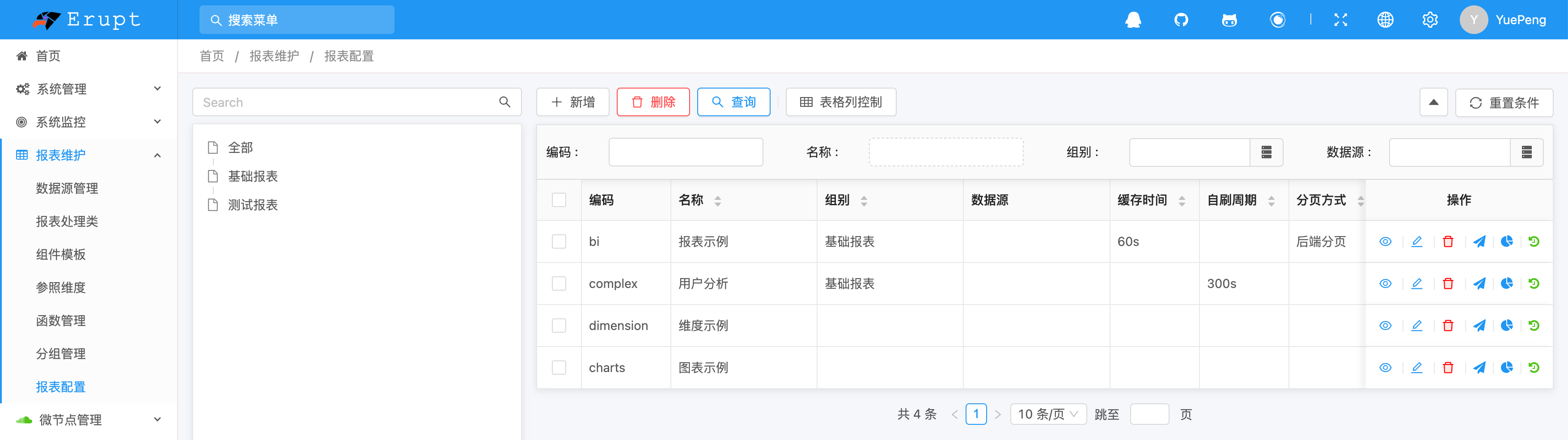
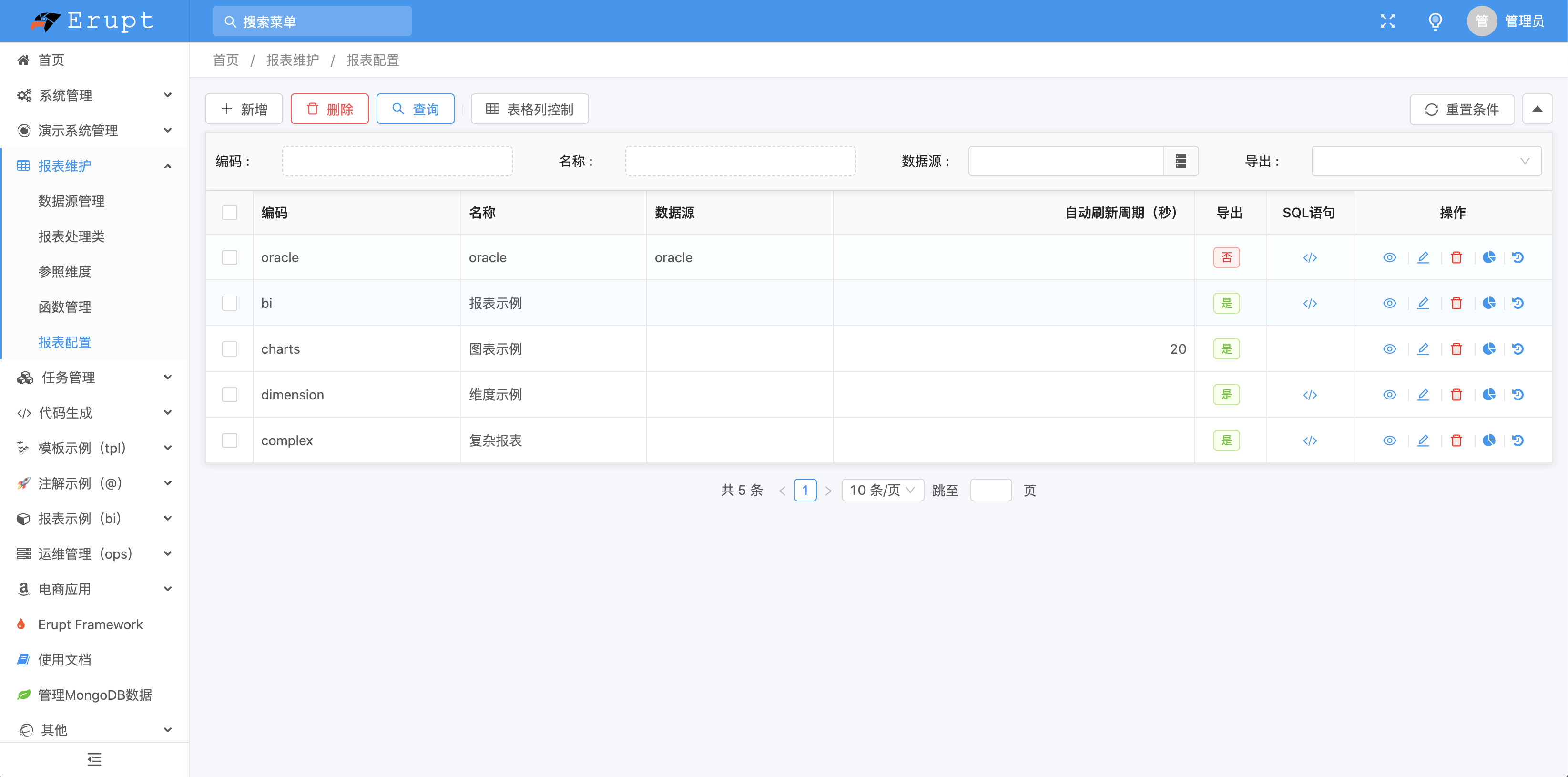
| Report Configuration | Configure reports, charts, query dimensions, dynamic columns, caching, pagination, history, and menu publishing |
Why Not Use DataEase / Superset / Build Your Own?
| Dimension | Custom ECharts Components | DataEase / Superset | Erupt Chart |
|---|---|---|---|
| Deployment Cost | 0 (integrated into the business project) | Separate BI server + database required | 0 (integrated into the business project) |
| Tech Stack | One stack each for frontend and backend | Multiple stacks: Java/Vue + Python/Node | Pure Java + annotations |
| Permission System | Reimplemented from scratch | Separate user system requiring synchronization | Reuses Erupt UPMS — zero extra work |
| Drill-Down / Linkage | ~1–2 weeks of custom dev | High configuration barrier | Available via configuration |
| Go-Live Speed | Weeks | Days + cross-team collaboration | 30 minutes |
| Long-Term Maintenance | High (one chart change per location) | Medium (dedicated BI team) | Low (annotations + SQL) |
FAQ
Q1 · What is the difference from the open-source Erupt? Open-source Erupt provides @Erupt + @EruptField base annotation capabilities (CRUD, forms, lists). erupt-chart is a commercial module that additionally provides the visualization configuration layer for reports and charts — this capability is not included in the open-source version and will not be open-sourced in the future.
Q2 · How is it delivered? After payment, provide your GitHub username. The author will add you as a collaborator to the private repository erupts/erupt-chart. You can clone the source code directly, compile locally, reference as needed, and will receive an integration document.
Q3 · Do I need to pay again for future version upgrades? No. One-time purchase = you have access to the current and all future versions. The private repository's master branch is continuously updated; just git pull.
Q4 · What about project count / commercial use / reselling?
- No project count limits: Deploy in as many internal or outsourced projects as you like
- No commercial restrictions: Can be used in commercial products (including selling your finished product, but you may not sell the erupt-chart source code itself)
- Reselling: Redistribution and secondary open-sourcing are prohibited; company name or entity changes can apply for license migration
Q5 · Trial / Refunds? The online demo has all features available (username bi / password bi). We recommend fully exploring it first. Once repository access is granted, delivery is considered complete and refunds are no longer supported.
For questions not listed above, scan the QR code above to contact the author on WeChat.
Contributors
 YuePeng