
Erupt TPL Custom Pages
The erupt-tpl module provides custom page capabilities, allowing you to embed custom HTML template pages inside menu entries. It supports template engines such as Freemarker for rendering, and offers multiple UI component library integrations.
Adding the Dependency
<dependency>
  <groupId>xyz.erupt</groupId>
  <artifactId>erupt-tpl</artifactId>
  <version>${erupt.version}</version>
</dependency>
Menu Configuration
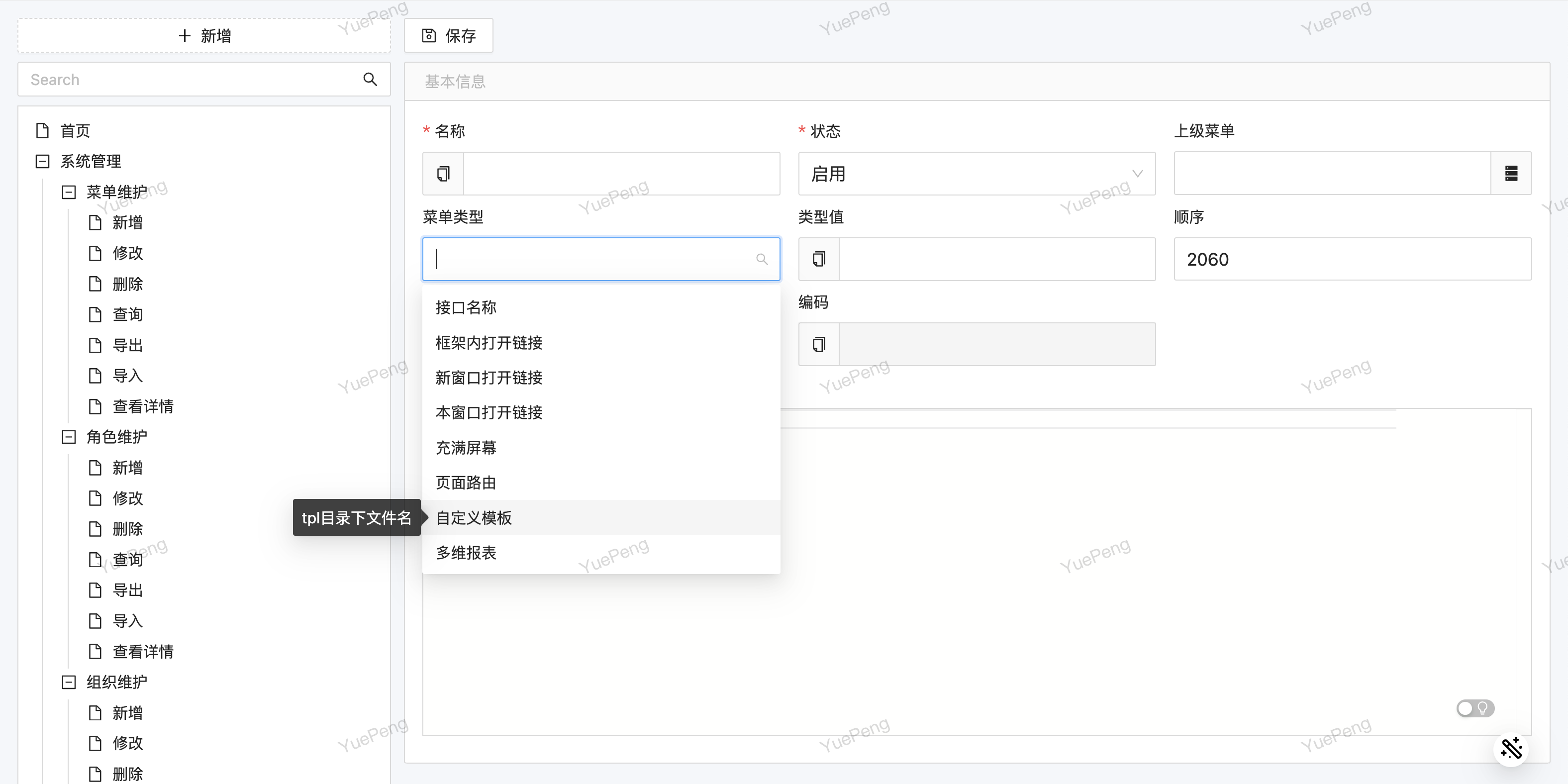
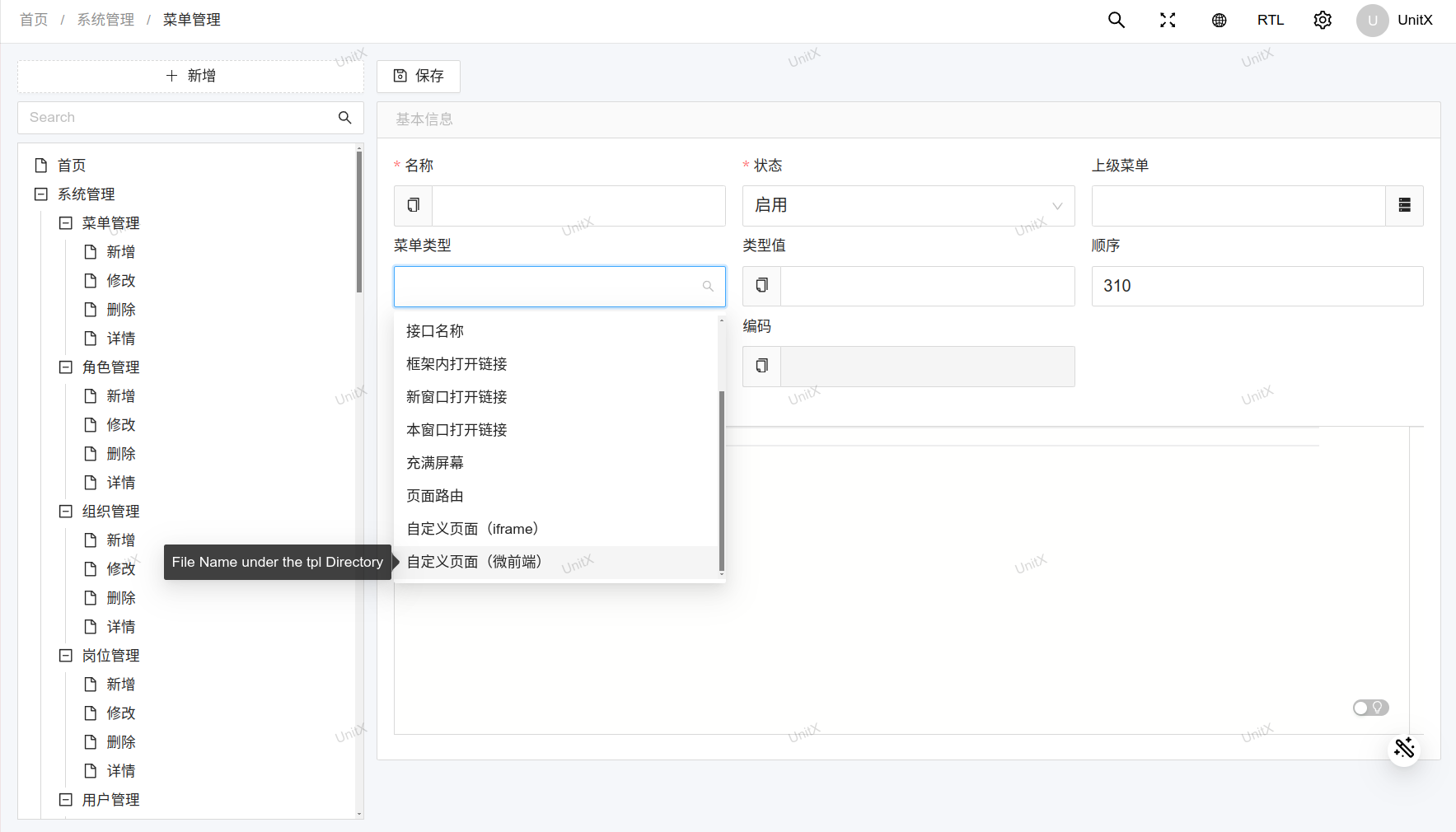
In Menu Management, add a new menu entry, set the type to "Template", and fill in the template filename (without the path prefix) as the type value:
Rendered Result
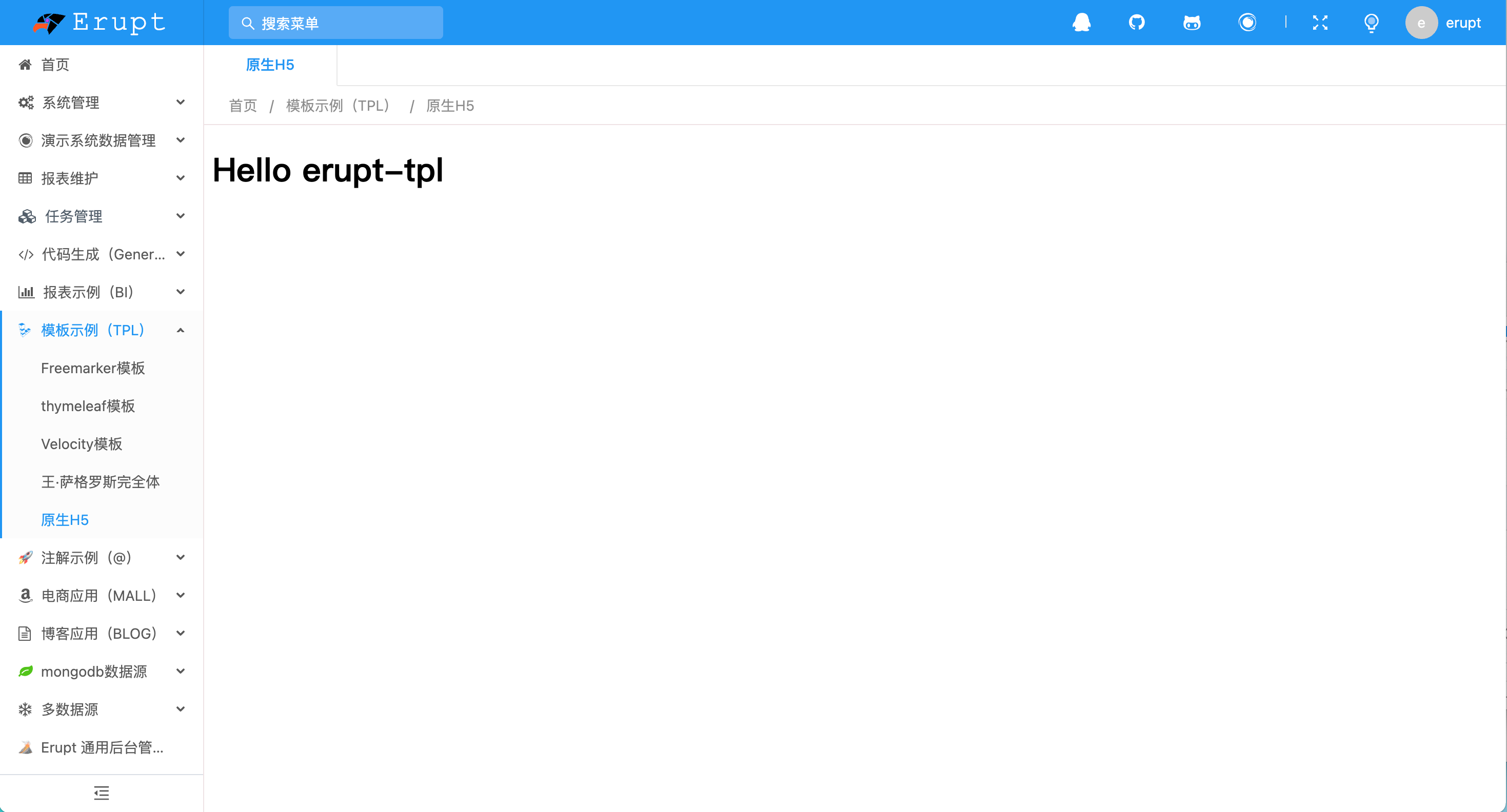
Custom template pages can fully use Erupt's theme styles, seamlessly integrating into the admin interface:
Hot Reload
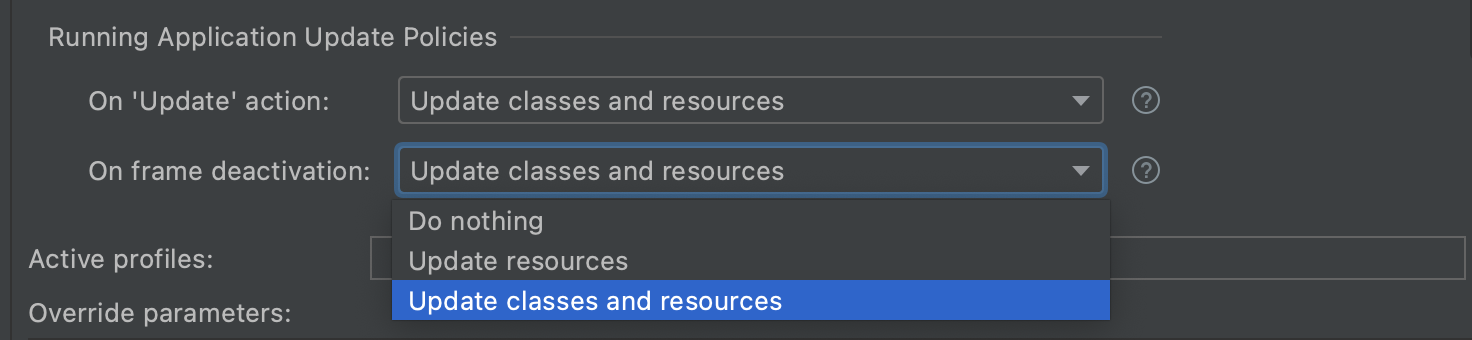
Template files are updated live — no application restart is required. Just refresh the page to see the latest changes:
Freemarker Templates
Create .ftl files inside the resources/tpl directory. You can use pre-injected context variables such as the current user's information:
<!-- resources/tpl/demo.ftl -->
<!DOCTYPE html>
<html>
<head><title>Custom Page</title></head>
<body>
    <h1>Hello, ${user.name}!</h1>
    <p>Current User ID: ${user.id}</p>
</body>
</html>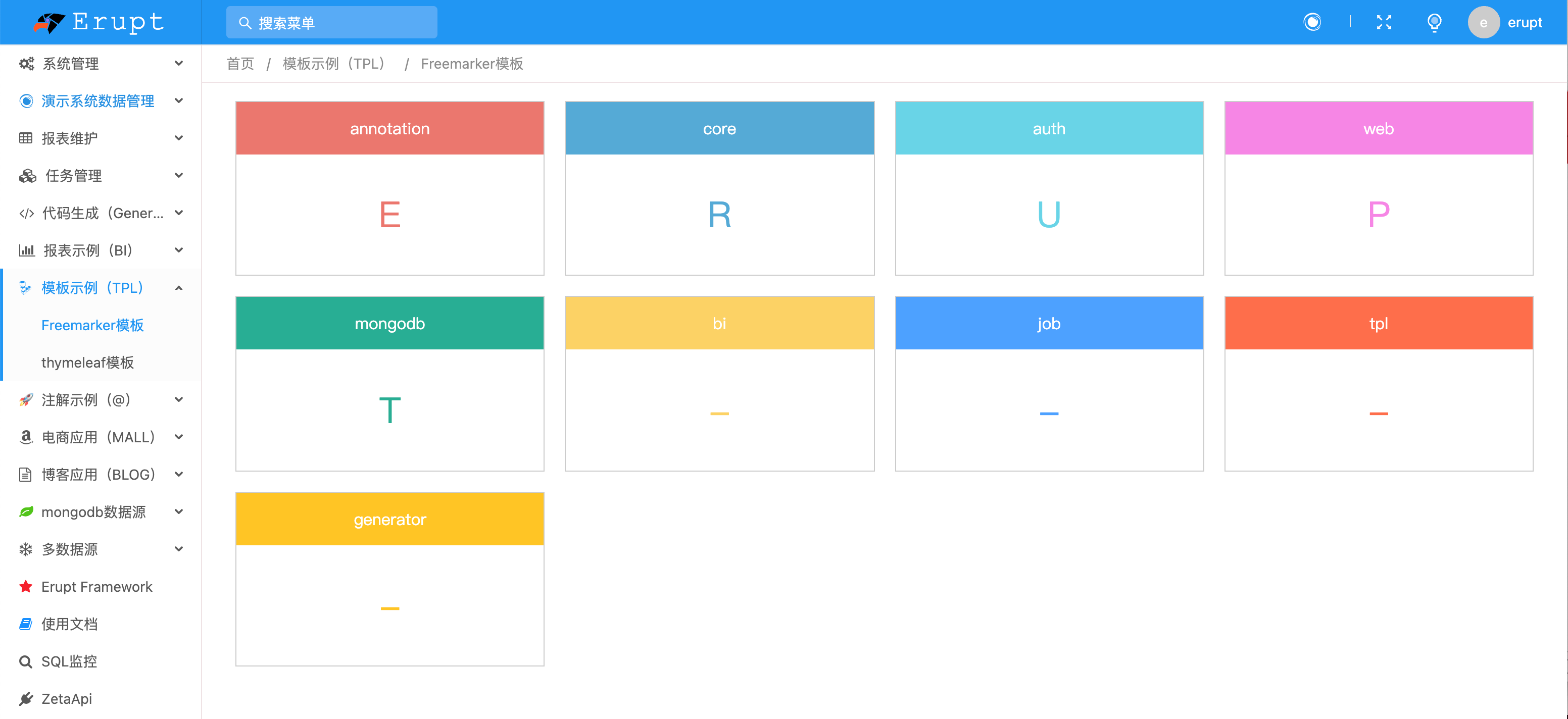
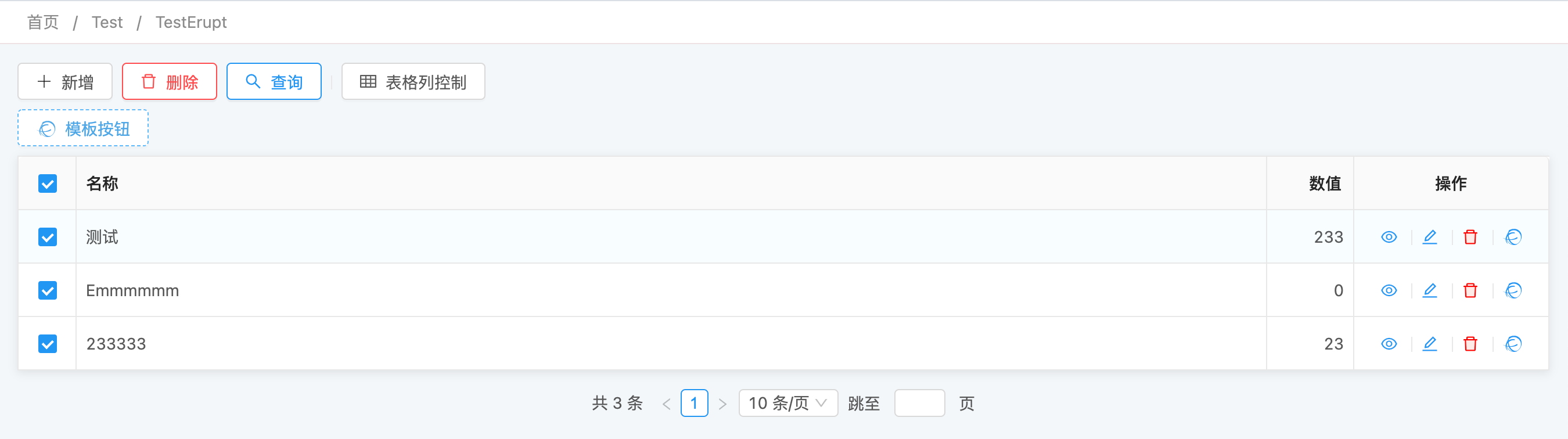
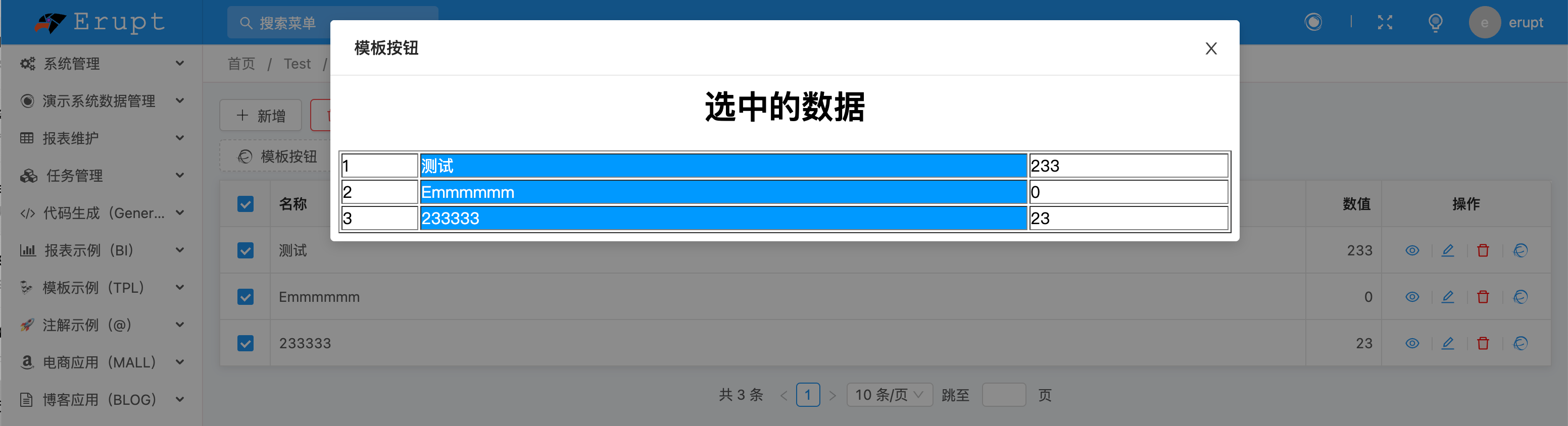
Row Button Embedding
Using the @RowOperation annotation, you can open a custom template page from a row action button in a list view. For full usage details, see TPL Template Dialog.
Micro-Frontend Integration
erupt-tpl supports micro-frontend architectures, allowing pages from any frontend framework to be embedded into the Erupt admin interface:
Erupt TPL UI Component Library
erupt-tpl-ui provides integration solutions for multiple mainstream UI frameworks, so you can use components consistent with Erupt's style directly in your custom pages.
<dependency>
  <groupId>xyz.erupt</groupId>
  <artifactId>erupt-tpl-ui</artifactId>
  <version>${erupt.version}</version>
</dependency>
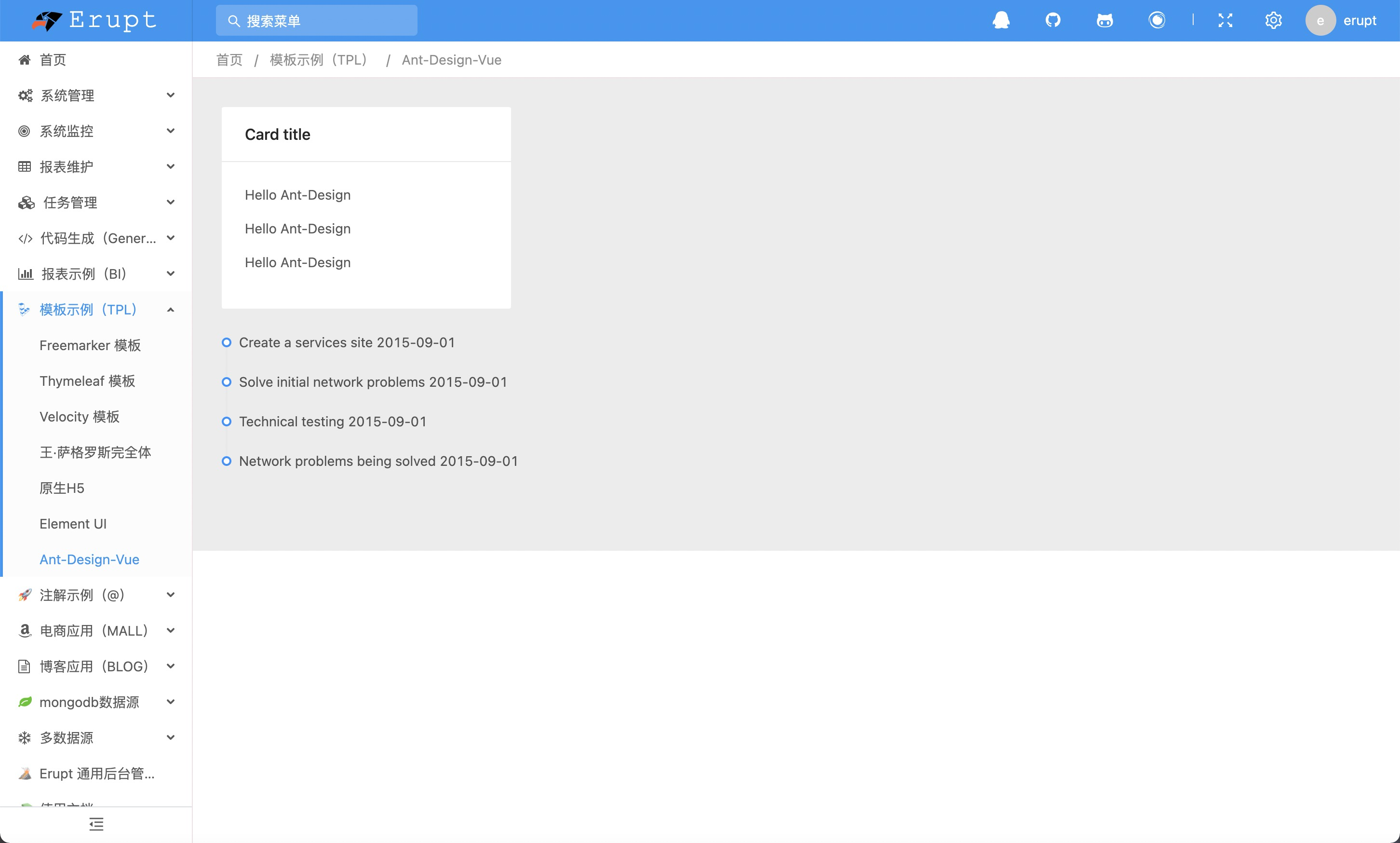
Ant Design
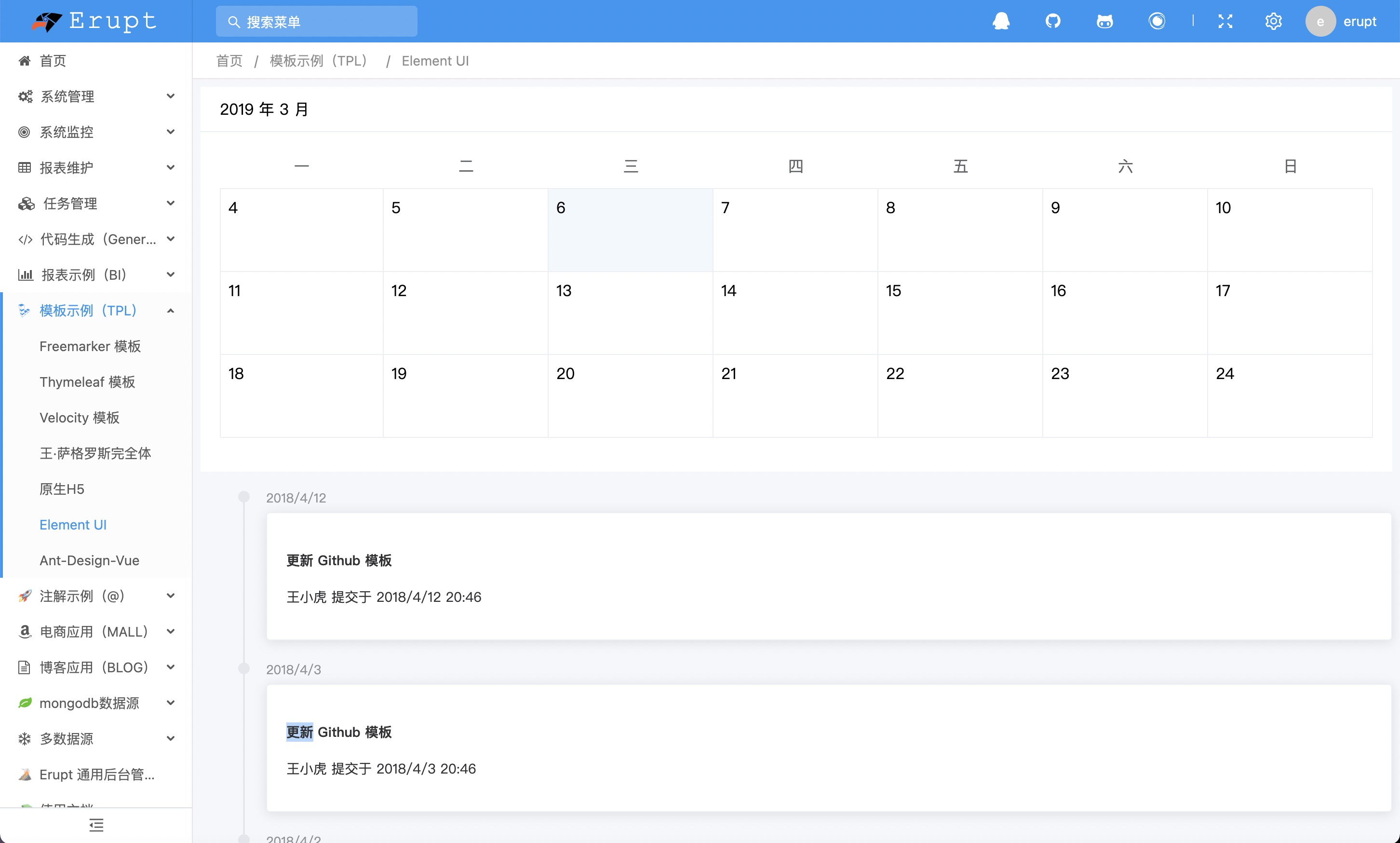
Element UI / Element Plus
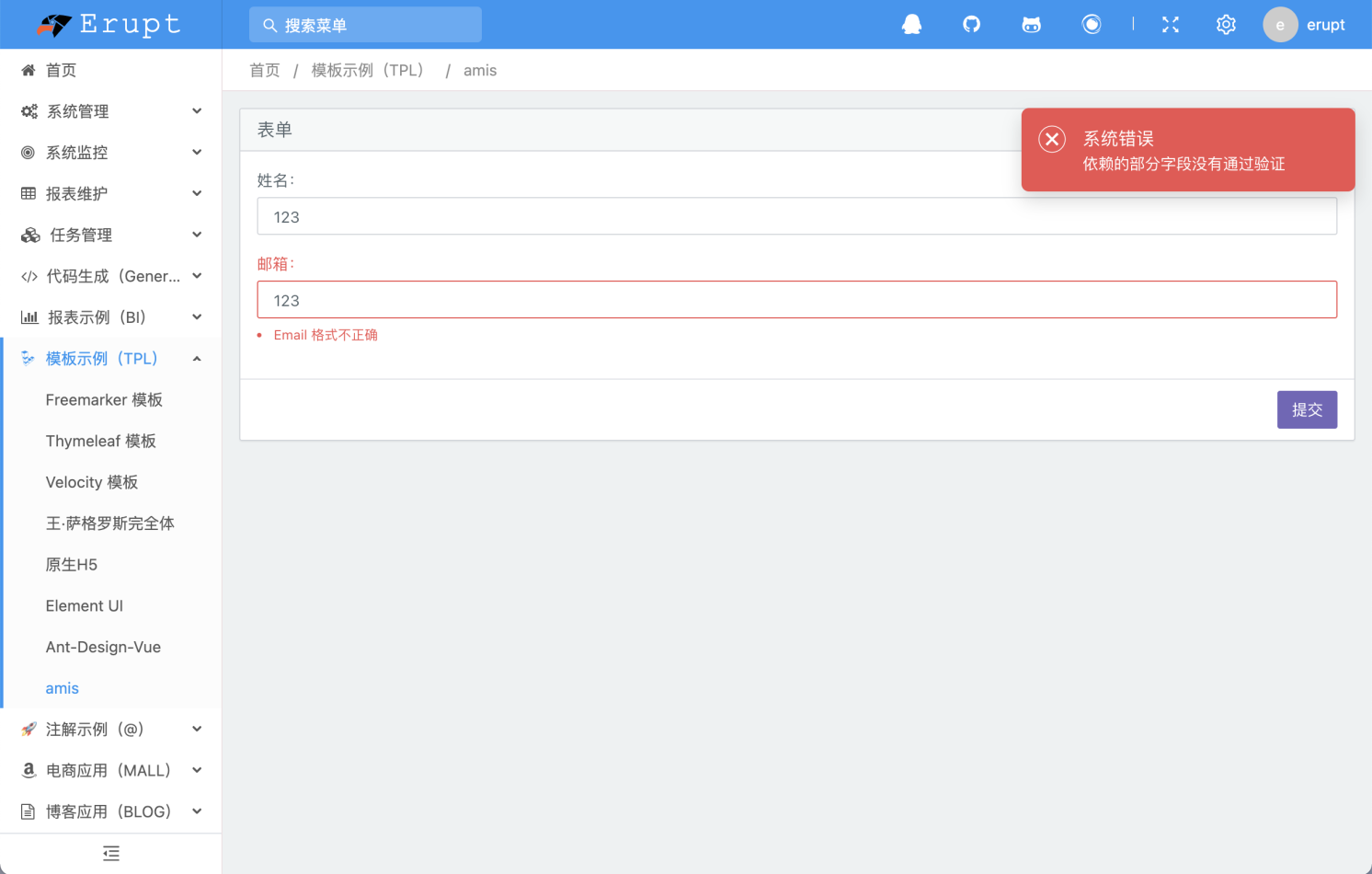
Amis Low-Code
Integration with Baidu's Amis low-code framework, enabling complex page generation via JSON configuration:
Contributors
 YuePeng